
About Us
Features
Pricing
Contact Us
Blogs
Login
Mastering Restaurant POS Systems: A Comprehensive Guide for Enhanced Efficiency
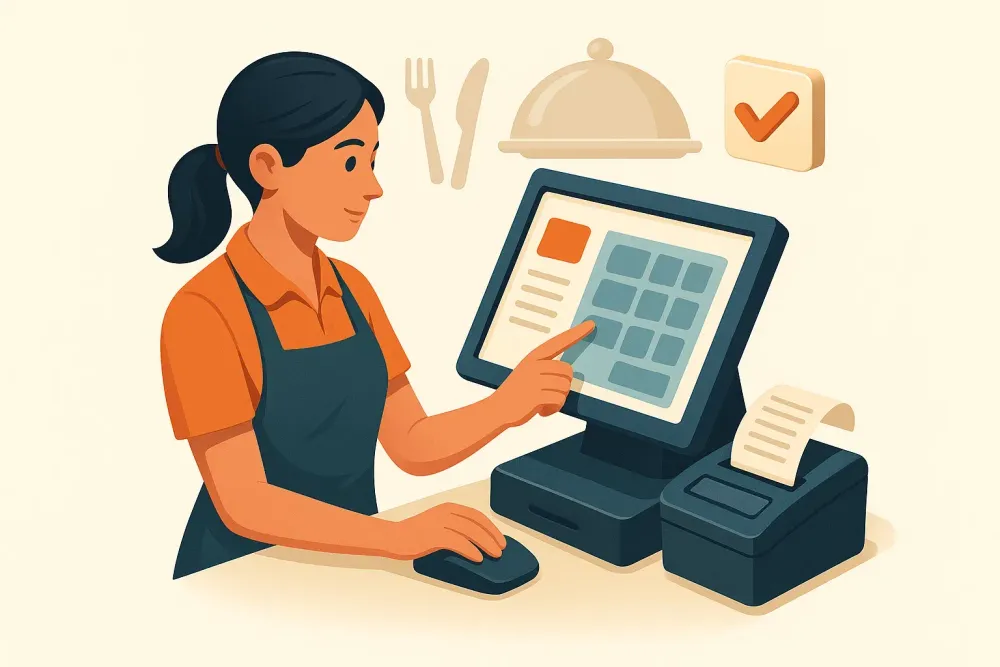
Restaurant POS systems streamline daily operations, simplifying order taking, payment processing, inventory management, and reporting. This leads to increased efficiency, reduced errors, and improved service for both staff and customers.
Introduction
Implementing a POS system is a significant step for any restaurant, but navigating its features can initially feel overwhelming. This guide demystifies restaurant POS systems, providing a step-by-step approach to mastering everyday tasks and avoiding common pitfalls. We'll cover essential features and best practices to optimize your restaurant's performance.
Key Takeaways
- Restaurant POS systems accelerate order and payment processing.
- Real-time inventory and sales tracking provides enhanced control.
- Intuitive interfaces ensure ease of use for staff.
- Comprehensive reporting facilitates data-driven decision-making.
- Improved service benefits both staff and customers.
Types of Restaurant POS Systems
Several POS system types cater to diverse restaurant needs:
- Traditional POS Systems: These fixed systems offer reliability but lack the flexibility of cloud-based options. Updates and relocation can be cumbersome.
- Cloud-Based POS Systems: Accessed via the internet, these systems provide remote data access and easy updates. However, internet connectivity is crucial. PREST offers robust cloud-based solutions that ensure data security and seamless operation, even in fluctuating network conditions.
- Mobile/Tablet POS Systems: Portable and user-friendly, these systems offer table-side ordering convenience. However, careful consideration of charging and security measures is necessary.
Restaurants should select a system that aligns with their budget, staff proficiency, and support requirements.
Step-by-Step POS System Implementation and Training
- Pre-setup: Assess your restaurant's specific needs (number of terminals, payment processors, printers, etc.) and choose compatible hardware within your budget.
- Installation and Configuration: Install the POS software and connect all hardware components (screens, card readers, receipt printers). Thoroughly test each component to ensure seamless order and payment processing.
- User Account Creation and Permissions: Create individual accounts for different staff roles (managers, servers, kitchen staff), assigning appropriate access levels to maintain security and organization.
- System Customization: Upload your menu, define modifiers (e.g., toppings, sizes), and accurately set prices for streamlined ordering.
- Staff Training: Provide comprehensive training on order entry, modifications, bill splitting, takeout/delivery handling, and table management. Encourage hands-on practice until staff feels confident.
Tips for Effective POS System Training
- Provide clear, step-by-step guides.
- Offer regular practice sessions and Q&A.
- Ensure all staff members are comfortable before live operation.
Daily Operations: Maximizing POS System Efficiency
- Order Entry and Kitchen/Bar Communication: The POS system enables rapid order entry and instant transmission to the kitchen or bar. This minimizes errors and expedites food and beverage service.
- Real-time Inventory Management: Automated inventory updates with each transaction provide accurate ingredient and dish counts, preventing shortages and streamlining restocking.
- Payment Processing: Accept diverse payment methods (credit/debit cards, cash, mobile pay apps) with ease. The system facilitates bill splitting and refunds, ensuring smooth customer transactions.
- Customer Data Management: Collect customer information, manage loyalty programs, and track customer interactions for targeted marketing and enhanced customer retention.
- Reporting and Analytics: Utilize comprehensive reports to identify top-selling items, peak hours, waste, and labor costs. These insights inform data-driven decisions to boost profitability and efficiency.
- Real-World Scenario: A server enters an order; the kitchen receives a printout. Low stock alerts notify staff. The customer pays via card; managers review sales reports for future planning.
Integration and Advanced Features
PREST's advanced POS systems integrate seamlessly with accounting software, online ordering platforms, delivery services, reservation systems, and marketing tools. This integrated approach streamlines operations and enhances data flow. Automated reordering and expiry date alerts further optimize inventory management. Robust security measures protect customer and business data, complying with relevant regulations.
Conclusion
Mastering your restaurant's POS system is crucial for efficient operations. PREST offers a range of solutions designed to enhance every aspect of your restaurant's workflow, from order taking to detailed reporting. Contact PREST today to learn more about how our cutting-edge POS systems can help your restaurant thrive.
See More


© 2025, PREST, Inc. All rights reserved. | Designed in 🇮🇳 
Crafted by 