
About Us
Features
Pricing
Contact Us
Blogs
Login
Revolutionizing Restaurant Efficiency: The Ultimate Guide to Kitchen Display Systems (KDS)
Your kitchen is a whirlwind of activity: sizzling pans, clattering dishes, and the urgent calls of chefs. Orders arrive as a chaotic pile of paper tickets, leading to confusion and delays. This is the nightmare scenario for any restaurant—a scenario easily avoided with a robust Kitchen Display System (KDS).
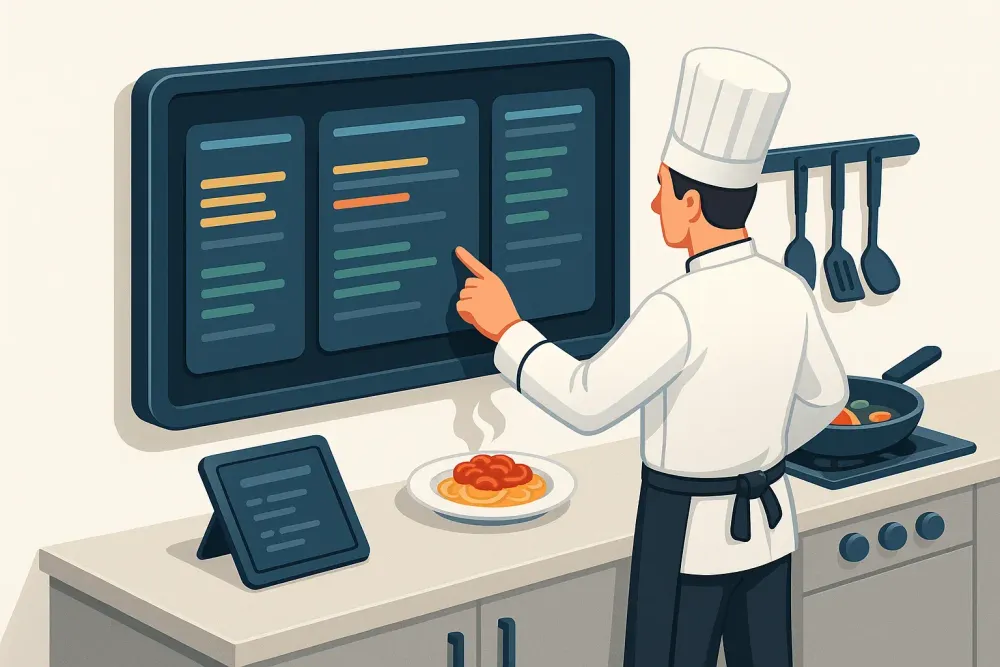
A KDS streamlines order delivery to the kitchen, eliminating the need for paper tickets and improving communication between front-of-house (FOH) and back-of-house (BOH) staff. This article delves into the essential features and benefits of a KDS, showcasing how it can transform your restaurant operations.
The Power of a KDS: More Than Just a Digital Order Ticket
A KDS serves as a centralized platform, providing servers with real-time order status updates and eliminating guesswork. This seamless communication fosters a more efficient and harmonious restaurant environment, leading to improved customer satisfaction.
Let’s explore the key features that make a KDS indispensable:
1. Streamlined Order Management
Imagine a customer ordering a pepperoni pizza. Instantly, the order, complete with a unique identifier, appears on the KDS. Kitchen staff receives the order directly, minimizing errors and delays. This seamless integration with your restaurant’s point-of-sale (POS) system ensures immediate order processing. The KDS acts as a virtual order hub, keeping everything organized and easily accessible, preventing orders from getting lost in the shuffle.
2. Flexible Display Options
The heart of the KDS is its monitor, displaying all incoming orders. While some restaurants may cling to traditional paper tickets, a digital display significantly accelerates service, eliminating the bottlenecks associated with paper-based systems. A KDS instantly displays orders to kitchen staff, minimizing time spent deciphering handwritten notes. Many KDS systems also offer customizable screen configurations to suit your kitchen layout and workflow.
3. Robust Integration Capabilities
A KDS is far more than a simple order display; it’s a powerful tool for integrating with your existing restaurant systems. The ability to sync order data with your POS system provides unprecedented control over business operations. You gain real-time insights into menu item performance, helping you identify underperforming dishes and optimize offerings. POS reporting features also provide detailed profit and loss statements for data-driven decision-making.
4. Actionable Reporting and Analytics
Modern KDS systems come equipped with advanced analytics. By analyzing KDS-generated data, restaurant owners gain valuable insights into kitchen performance, order volumes, and peak hours. This helps optimize staffing schedules, improve inventory management, and enhance operational efficiency.
For example, discovering a surge in late-night pizza orders might lead to extending operating hours or launching late-night offers. Data can also reveal customer preferences such as dine-in, takeout, or delivery, enabling better service strategies.
5. Automated Workflow Management
A KDS uses a sophisticated token system to automate kitchen workflows. Each order receives a unique token tracking every stage—from entry to preparation to completion. This eliminates confusion and delays, resulting in a more efficient kitchen.
6. Secure Cloud-Based Operations
A cloud-based KDS securely centralizes operations using encryption and access control. Its remote accessibility enables real-time monitoring and quick issue resolution—regardless of your location.
Key Benefits of Implementing a KDS in Your Restaurant
A KDS delivers measurable improvements across your restaurant’s operations:
- Enhanced Teamwork: Centralized coordination ensures smooth communication and better workflow.
- Customizable Displays: Tailored views highlight critical details like cooking times, allergens, and table numbers.
- Reduced Cross-Station Confusion: Eliminates confusion caused by handwritten or shouted orders.
- Streamlined Order Processing: Reduces wait times and improves table turnover.
- Elevated Customer Experience: Prioritization based on preparation time and special requests boosts satisfaction.
Conclusion
A KDS offers numerous advantages that dramatically improve restaurant operations. By streamlining processes, enhancing communication, and improving order management, a KDS empowers you to deliver exceptional service and significantly elevate customer satisfaction. PREST offers cutting-edge KDS solutions designed to optimize your restaurant’s performance.
Frequently Asked Questions
1. What is the average cost of implementing a KDS?
The cost typically ranges from $500 to $1,000 or more, depending on complexity and features.
2. How does a KDS integrate with existing kitchen equipment?
KDS systems support integrations like bump bars, kitchen printers, and API links to ovens and fryers.
3. Can a KDS accommodate changes in menu and service style?
Yes, most KDS systems allow flexible menu customization and adapt to dine-in, takeout, and delivery models.
See More


© 2025, PREST, Inc. All rights reserved. | Designed in 🇮🇳 
Crafted by 