
About Us
Features
Pricing
Contact Us
Blogs
Login
Streamlining Restaurant Operations: The Ultimate Guide to POS Terminals
For restaurants, this critical function is often handled by a Point of Sale (POS) terminal. This comprehensive guide explores POS terminals—what they are, their functionalities, how they work, and how they can significantly streamline your restaurant operations. Whether you're establishing a new restaurant or upgrading your existing system, understanding POS terminals is crucial for success.
What is a POS Terminal?
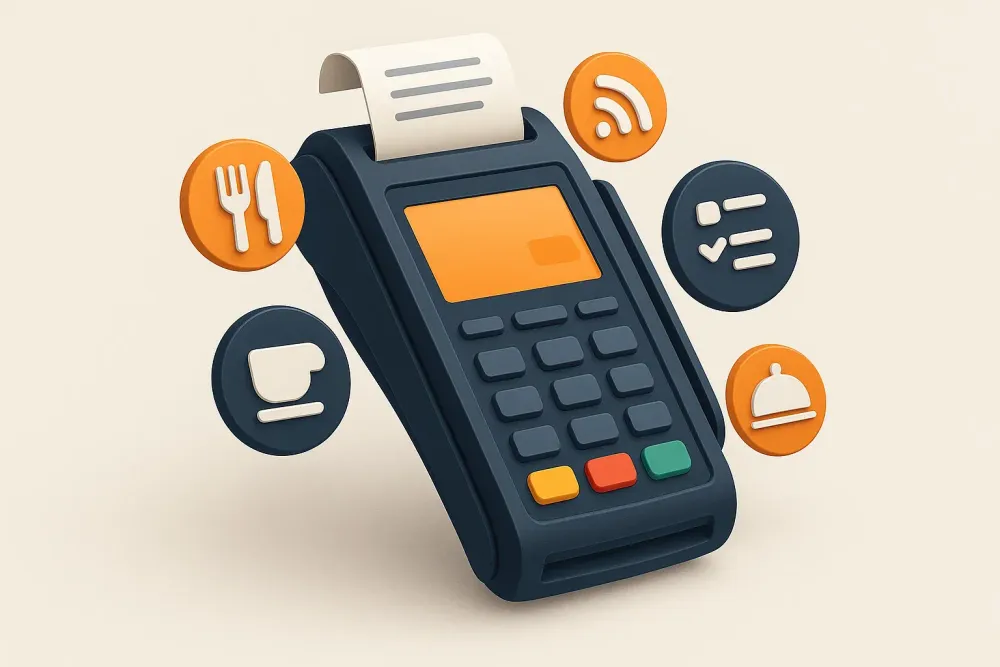
A POS terminal, or point-of-sale terminal, is a hardware and software system designed to process transactions and manage sales data within a restaurant. It replaces traditional cash registers, integrating functions like payment processing, sales tracking, inventory management, and customer relationship management (CRM). Essentially, a POS terminal modernizes transaction handling, ensuring accuracy, speed, and operational efficiency.
What Does a POS Terminal Do?
A POS system—comprising both hardware and software—is indispensable in today's restaurant environment. It impacts daily operations and elevates customer service through features such as:
Key Functions of POS Terminals:
- Sales Transactions: Quickly processes cash, card, and contactless payments, generating receipts instantly.
- Order Management: Sends orders directly to the kitchen, minimizing miscommunication and delays.
- Menu Management: Enables rapid menu updates and helps track inventory levels.
- Customer Management: Stores customer data, enabling personalized offers and loyalty programs.
- Reporting & Analytics: Generates detailed reports on sales trends, customer behavior, and profitability.
Through these integrated tools, POS terminals improve both efficiency and customer satisfaction.
How Does a POS Terminal Work?
A typical POS transaction follows these steps:
- Initiating the Transaction: Order details are entered into the system by the server or via a self-service kiosk.
- Payment Reading: Card or digital payment is securely captured via swipe, tap, or insert.
- Payment Processing: The POS terminal sends data to the payment processor for verification and authorization.
- Completion & Receipt: A receipt is issued, while data is automatically stored for tracking and reporting.
This process ensures fast, secure, and accurate payment handling—even during peak hours.
What Are the Types of POS Terminals?
Different restaurant styles require different POS solutions:
1. Traditional POS Terminals
Stationary setups at counters with cash drawers, printers, and card readers. Ideal for high-volume restaurants.
2. Mobile POS Terminals
Portable handheld devices used tableside or outdoors—perfect for speed and flexibility.
3. Self-Service Kiosks
Standalone terminals where customers place and pay for orders independently—ideal for fast-casual and QSR environments.
Each type serves unique operational needs and customer service styles.
What Types of Restaurants Use POS Terminals?
POS terminals are now standard across restaurant formats, including:
- Quick-Service Restaurants (QSRs)
- Full-Service Restaurants (FSRs)
- Fine Dining
- Food Trucks
- Bars & Pubs
- Cafes & Bakeries
- Pop-Up Restaurants
Specialized cuisines—like sushi, dim sum, boba shops, hotpot, or Korean BBQ—also benefit from POS systems that handle split bills and complex menu structures.
How Much Does a POS Terminal Cost?
Pricing depends on features, restaurant size, and provider. Expect costs to range from a few hundred to a few thousand dollars, plus software subscriptions and maintenance. Although the initial investment may seem high, the long-term ROI is substantial when choosing the right system.
The Best POS Terminal for Your Business: PREST POS
PREST POS offers a future-ready solution for restaurants of all sizes. Here's what makes it stand out:
- Seamless Integration with PREST’s full restaurant management suite
- Mobile & Countertop POS Options
- Secure, advanced payment processing (cash, card, wallet, gift cards, etc.)
- Split/merge bill management
- Competitive rates with no hidden fees
- Built-in loyalty and promotion tools
Get Started with PREST POS Today
Upgrade your restaurant operations with PREST POS. Optimize efficiency, deliver outstanding customer service, and grow with confidence. Contact PREST today for a free demo and consultation.
Conclusion
A POS terminal is essential for streamlined restaurant operations, efficient transactions, and improved guest experiences. Whether traditional, mobile, or kiosk-based, the right POS boosts profitability and operational control.
Don’t let outdated systems slow your business down. Move forward with a modern POS—and set the stage for long-term success.
Frequently Asked Questions About POS Terminals
What are examples of POS terminals?
Touchscreen POS, handheld POS, tablet POS, kiosks, chip/card readers, and contactless payment terminals.
What is an offline POS terminal?
A system that continues processing transactions without internet and syncs later.
Where are POS terminals used?
Retail, restaurants, cafes, hotels, salons, and healthcare facilities.
How does a POS terminal improve business?
It speeds up service, tracks data, reduces errors, supports decision-making, and manages staff performance.
See More


© 2025, PREST, Inc. All rights reserved. | Designed in 🇮🇳 
Crafted by 